Your own S3,
in a single binary
ferrobucket is a lightweight, self-hosted S3-compatible object storage server with a built-in web UI. Drag-drop multipart uploads, presigned links, prefix navigation — from one static Rust binary that idles around 6 MB of RAM, with credentials that never touch the browser.
$
docker run -p 9000:9000 -v "$PWD/data:/data" litvancom/ferrobucket --anonymous
Multi-arch image on Docker Hub —
linux/amd64 & linux/arm64.Speaks S3 with
aws CLI·
boto3·
aws-sdk·
rclone·
s3fs·
s3cmd
/ FEATURES
Everything you reach for,
nothing you don't
S3-compatible API
Bucket CRUD, object get/put/head/delete, ListObjectsV2 (prefix + delimiter), DeleteObjects and multipart — over the real S3 wire protocol. Path-style addressing for any SigV4 client.
Drag-&-drop uploads
Drop files anywhere in the browser. Large files chunk into a real multipart upload automatically, with live per-part progress.
Presigned URLs
Generate time-boxed GET/PUT share links in one click — from the UI or the CLI. TTL shown, copied to clipboard.
Built-in web UI
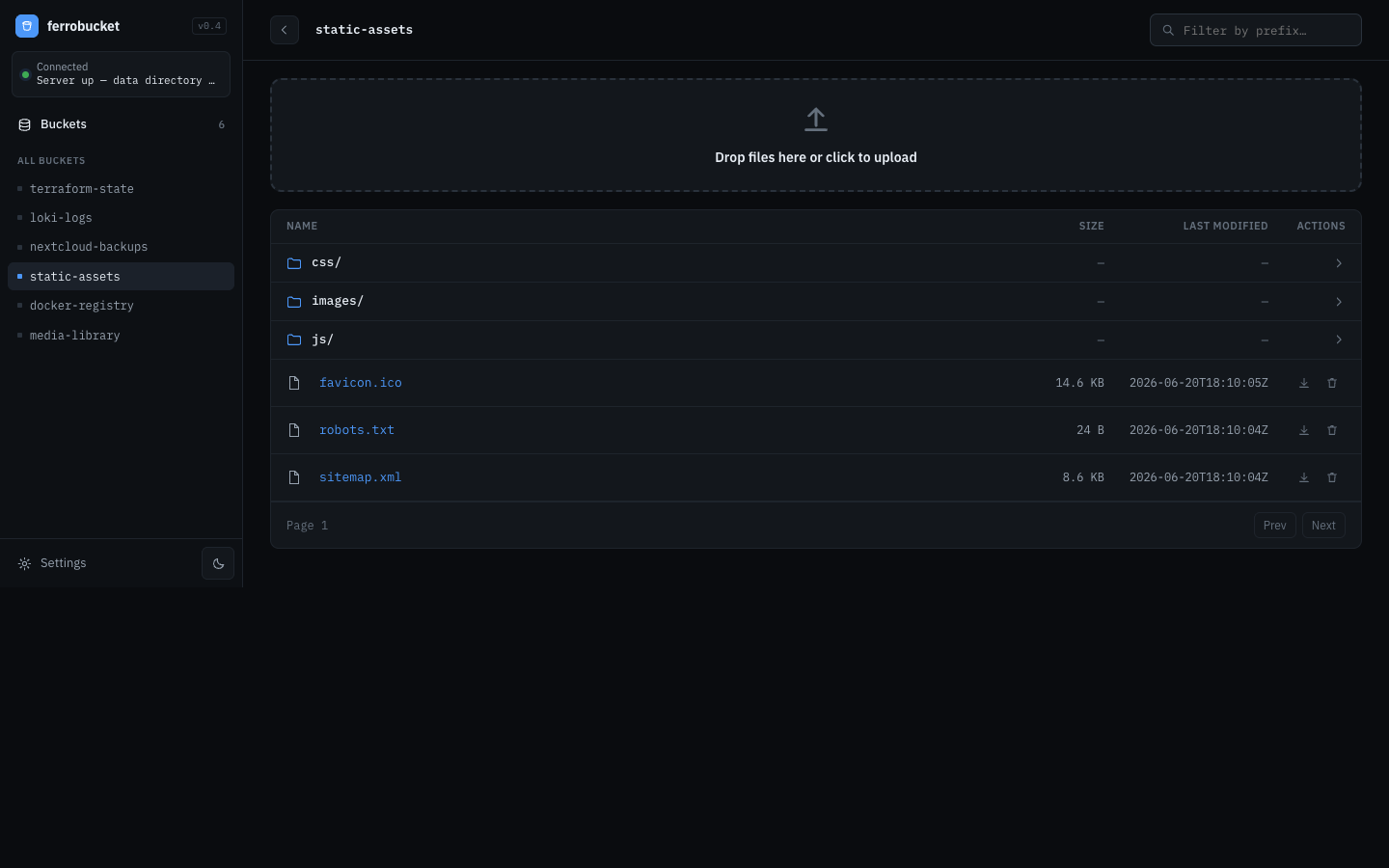
Browse buckets and objects, preview images & text, navigate prefixes like a filesystem, switch light/dark. No separate frontend to deploy — it's embedded in the binary.
Credentials stay server-side
SigV4 with a single static access/secret key (or
--anonymous for local use). Signing happens on the server — keys never reach the browser.Tiny & self-contained
One static binary with embedded WASM/JS/CSS, shipped as a multi-arch
scratch Docker image that idles around 6 MB of RAM. No database, no sidecars./ QUICKSTART
Running in under
a minute, with Docker
1
Pull the image
Multi-arch image on Docker Hub —
amd64 & arm64, on a scratch base. No build step.2
Run the container
Mount a volume at
/data for persistence and expose port 9000. Pass keys via env, or --anonymous for local use.3
Point your tools at it
Set
--endpoint-url on the aws CLI (or any S3 SDK), and open the web UI at /ui.